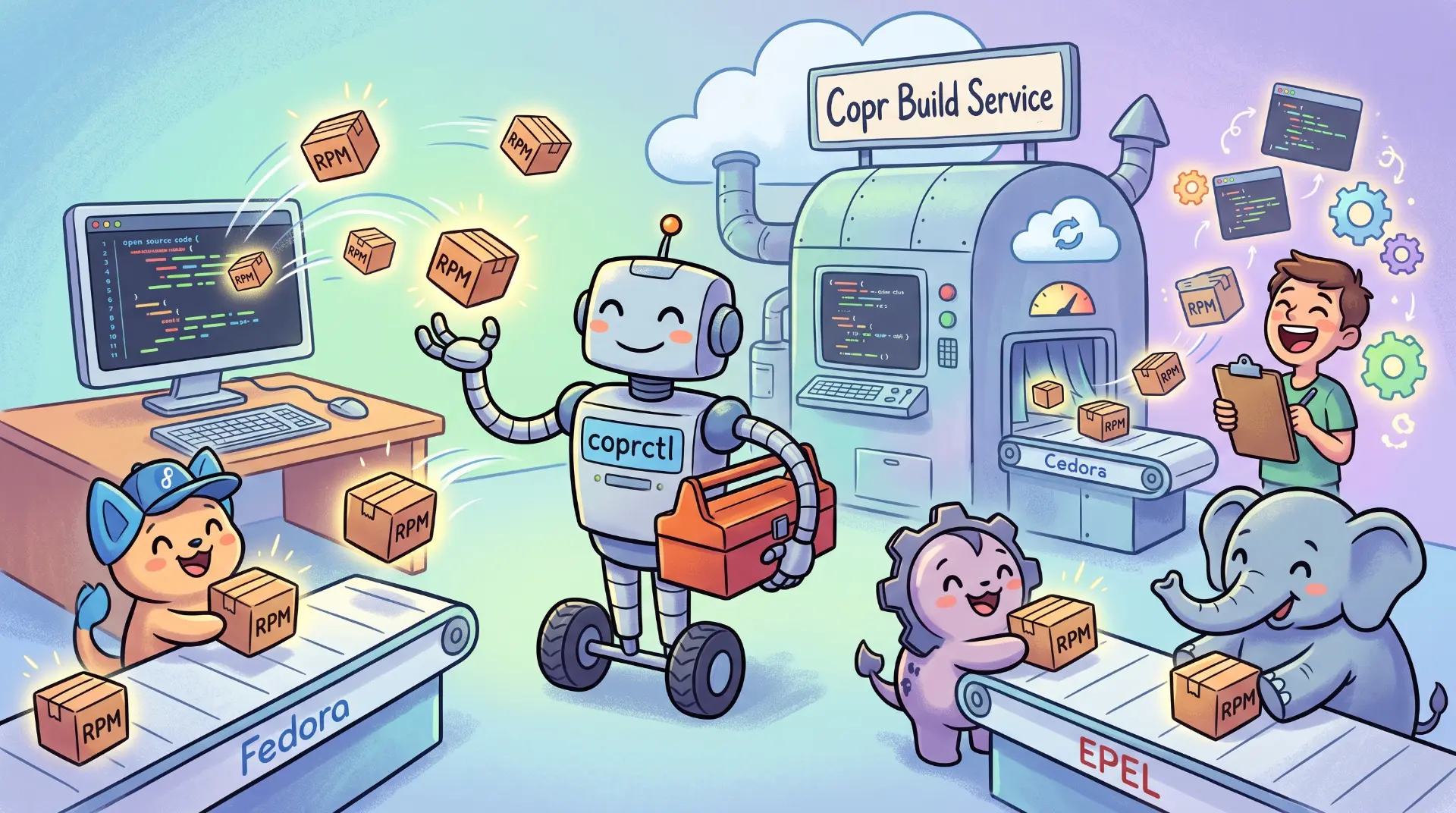

coprctl is a command line and agent interface for the Fedora Copr build
service, built around one idea: the daily work of a package maintainer should
be a few coherent commands, not a decade of accrued incantations.
Copr is one of the few places where a maintainer can hand over sources and, minutes later, hand out signed RPM repositories to users of a dozen distributions, each with its own release cadence and packaging quirks. Keeping that healthy across such a diverse user base is hard, and Copr does it well. The compatibility weight it carries shows up in the tools around it as much as in the service itself.
coprctl does not replace Copr. It makes the time you spend with Copr shorter
and more deliberate, whether a person is typing or an agent is driving.
Context
Why this matters
RPM-based distributions run a lot of the world's infrastructure, and Copr is
one of the friendliest on-ramps for software that wants to live there. For a
maintainer, Copr means your software reaches Fedora, EPEL and the CentOS Stream
line without you becoming a packaging specialist for each one. For a user, it
means the version released an hour ago can be a dnf copr enable away from any
Fedora box instead of stuck in a release train that runs months behind.
The friction in between is operational, not conceptual. Copr speaks the
language of projects, packages, chroots and builds, and it is honest about how
much state a project holds. The tooling around it has grown a long surface of
one-off verbs, inconsistent names and manual rituals; that reflects how much
ground the service covers, not a fault in Copr. coprctl keeps the vocabulary
and gives it one grammar, one reference and one machine-readable way to drive
it.
A build service is only as good as the loop around it. The cost for a maintainer is not the build, it is everything around it: describing the project, submitting cleanly, reading a failure, and getting a fix back into a rebuild.
coprctl is designed so that loop is short enough to stay in your head.
Philosophy
One grammar, many workflows
The decisions reduce to a few principles; everything else follows from them.
One grammar, official terminology
coprctl project list, coprctl build get, coprctl package create. Every
command accepts the same reference. A package is owner/project/pkg, a project
chroot is owner/project/chroot, a build is an integer, a build chroot is
build/chroot. The three-segment case is disambiguated against the cached
chroot catalog rather than guessed.
A single coprctl <resource> <verb> [ref] grammar with one shared
owner/project[:dir][/segment] reference parser means a new source type is
a --source flag value, never a new command. There is exactly one argument
parser in the whole tool, so a parsing bug is a bug in every command, and
fixed once.
Machine-readable everywhere
Every data-returning command supports --output json|jsonl|yaml|table|plain,
and the default is JSON when stdout is not a TTY. A pipe implies machine
consumption. Human output is a rendering of the same structs JSON serialises,
so there is no second code path to drift.
Exit codes are stable: 4 is a failed build, 8 is not found, 9 is forbidden, 12 is drift. Errors are structured objects with a code, a hint and a retryability flag. An agent branches on the code; it does not regex a message.
Declarative project state
A copr.yaml manifest describes a project, its chroots, per-chroot buildroot
config and packages. Four commands reconcile it against live state:
coprctl validate -f copr.yaml     # schema checks, no network
coprctl diff -f copr.yaml         # field-level drift; exit 12 on drift
coprctl apply -f copr.yaml        # create or update to match
coprctl export owner/project      # reverse: manifest from a live project
diff prints a field-level table and exits 12 when the project has drifted
from the manifest, which makes it a CI gate with no parsing:
apply is additive and safe to re-run after a partial failure; --dry-run
shows the would-be diff first. export is the adoption path: you do not start
from a blank file, you export what you already have and edit it.
init and sync close the loop from source to running project. init
detects a spec file and git remote, proposes a manifest, and creates the
project. sync keeps the manifest, the source repo and Copr in step.
An agent can write a file and reconcile instead of composing twenty
imperative calls and tracking partial failure. apply is atomic in intent,
re-runnable and reviewable. This is the same reason infrastructure-as-code
won over shell scripts.
Webhooks, configured end to end
integration github enable wires the Copr side and the GitHub side in one
command, idempotently:
coprctl integration rotate-secret owner/project --yes
coprctl integration github enable owner/project --repo you/pkg
By default the tool creates the hook with tag-only events, replacing GitHub's
default event set, so the webhook drives Copr's tag-triggered rebuilds and
nothing else. Pass --tag-only=false or --events push,create to also build
on branch pushes. The command creates or updates the hook, sends a ping, and
reports the ping status from GitHub.
Secrets are treated as credentials: stored in local state (mode 0600), never in
a manifest, never printed without --reveal.
Agents
Agent ready by construction
coprctl does not bolt an agent interface on top of a CLI. The agent surface
is generated from the same command registry as the CLI, so it cannot drift.
coprctl schemaemits the whole command tree as JSON. An agent discovers the surface without parsing--help.coprctl mcp serveexposes the command surface as MCP tools over stdio, tiered into read, write and destructive. Read-only by default; write and destructive are opt-in flags, so an agent cannot damage state by accident.coprctl skill printandskill installship an agent skill, plus a namespacedcoprctl-debugskill for the debugging workflow. Both come from the registry, so neither can describe a flag that does not exist.- Long-running operations emit JSONL:
log tailwrites one object per line with a versioned schema.
Destructive commands refuse to prompt when stdin is not a TTY. They fail with
an error naming the --yes flag, so a non-interactive agent cannot hang or
silently default.
CLI, completions, JSON schema, MCP tools, docs and the agent skill are all generated from the Cobra command registry. Adding a command touches one file. A CI drift check fails if the generated files diverge, so the guarantee is enforced rather than aspirational.
Demo
See it in action
Three short sessions, unedited apart from trimming. The debugging session is further down, where it belongs.
Walkthrough
A full cycle on an RPM project
From a cold repository to a green build, then a fix when the build fails.
From repo to running project
Your existing ~/.config/copr is picked up automatically, so the first
commands need no setup:
coprctl auth status                    # confirm who you are (token expiry warning)
coprctl detect ./rpm --output json     # read-only: infer everything

coprctl init --owner you --name mypkg \
  --chroot fedora-44-x86_64 --chroot fedora-rawhide-x86_64 \
  --yes
init writes a copr.yaml, creates the Copr project, enables the chroots and
adds the package from its spec. detect is the read-only primitive underneath
it: the inferred setup plus a decisions_required list naming anything it
refuses to guess. Chroots are never auto-selected, and webhooks stay a separate
step via integration github enable.
Rebuild from the manifest
Once the manifest is the source of truth, day-to-day work is reconcile and rebuild:
coprctl sync -f copr.yaml          # keep repo, manifest, and Copr in step
coprctl build rebuild you/mypkg/mypkg
build rebuild submits a build for a package from its stored source
definition, so you do not retype the source URL and committish every time.
Debugging
When the build fails
This is where coprctl earns its keep. The debugging workflow is one path for
a human and an agent, and it never dumps a 40,000-line Mock log into your
context window.
Find why, then reproduce
log failures extracts the failing region from each failed chroot and prints
a compact triage block: the error: and Failed build dependencies: markers
plus a bounded window around them. build reproduce prints the
copr-rpmbuild --task-url ... invocation Copr wrote into the log: the
mock-level reproduction of the exact task it ran.
A dependency failure looks different but lands in the same block:
== fedora-rawhide-x86_64 (failed)
   failure near line 1145 of 1145
      [FAILED] bash-5.2.37-160000.2.2.x86_64.rpm: No more mirrors to try
      All mirrors were already tried without success
For a second opinion in plain language, log detective asks the public
log-detective.com service to explain the build. If it does not know the build,
it says so and you fall back to the local analysis.
coprctl log detective 2926016/fedora-44-x86_64Test the fix before pushing
Edit the spec, then run a local container preflight:
coprctl try ./rpm --chroot fedora-rawhide-x86_64try resolves the chroot to an rpmbuilder image, runs the source-build then
chroot-build stages, and reports coverage and fidelity. When the local build is
clean, rebuild in Copr with a preflight gate:
coprctl build rebuild you/mypkg/mypkg --preflightThe preflight blocks on failure, so you do not queue a build you already know is broken against a shared community resource.
A container preflight catches a missing BuildRequires and most %build
breakage in minutes, but it is not a mock buildroot. try always prints a
fidelity report naming what it did not reproduce (buildroot minimalism,
enable_net=off, bootstrap and isolation). A green local build is a fast
filter. build reproduce and Copr itself remain the ground truth.
Local builds
Build locally, before the queue
You do not need a Copr queue to iterate on a spec. coprctl builds the same
source RPM, and for a preflight the same package, locally.
Source RPMs in one command
coprctl build srpm produces a source RPM from a spec directory. It picks the
backend automatically, and source files referenced by the spec are fetched for
you, so a Source0: https://... works without vendoring the tarball:
coprctl build srpm ./rpm --chroot fedora-44-x86_64Three backends, chosen by intent
A single --runtime flag controls how the work runs. The default auto
prefers a container, then falls back by intent.
| Backend | What runs | Fidelity |
|---|---|---|
container | the rpmbuilder image via podman or docker | high, clean buildroot |
mock | mock --buildsrpm / mock --rebuild | high, clean buildroot |
native | spectool + rpmbuild on the host | low, host buildroot |
For a source RPM, auto falls back to native, because an SRPM build does not
need a clean buildroot. For a full preflight it prefers mock over native. Mock
needs setup (dnf install mock, your user in the mock group); when it is
missing, the tool says exactly how to configure it instead of failing silently.
try: the preflight loop
try runs the two-stage loop Copr runs: build the SRPM, then rebuild it in a
clean buildroot, and report what was not reproduced:
coprctl try ./rpm --chroot fedora-rawhide-x86_64 --chroot fedora-44-x86_64 \
  --chroot epel-9-x86_64 --runtime mock
The chroot name maps to a buildroot. Resolution is two-dimensional and explicit about fidelity:
fedora-44-x86_64maps exactly toquay.io/abn/rpmbuilder:fedora-44, at high confidence. The fidelity report still names what a container is not: a mock buildroot. It carries rpm-build, spectool and base-image packages a Copr buildroot does not, and network is available throughout.epel-9-x86_64has no rpmbuilder tag, sotryoffers a substitute (rockylinux-9plusepel-release) but labels it as a substitution at low confidence and requires the--matchflag to use it. Strict matching is the default, because silently building EPEL 9 in Rocky 9 and calling it a pass is worse than skipping it.- A chroot with no image at all is reported as uncovered, never hidden.
--require-full-coverageturns partial coverage into exit 12.
try only builds chroots whose architecture matches the host unless you pass
--emulate, which drops confidence to low. The JSON output carries a
coverage summary and a not_reproduced list.
Because the buildroot is the container, the host OS does not matter. macOS
and Windows users with Docker Desktop or podman run the same loop: edit the
spec, coprctl try, read the fidelity report, iterate. That opens RPM
maintainership to contributors who are not on Fedora, or on Linux at all.
"When a matching tag is available" is a correctness boundary, not a
convenience. Substitutions are opt-in and always labelled in the output and
the fidelity report, so a green check next to epel-9-x86_64 never hides
that it actually ran Rocky 9.
From local source to a side repo
build submit --from chains the whole thing: build the SRPM locally, upload
it, and queue the build, optionally into a project side repo:
coprctl build submit abn/hello-rpm:custom:testing --from ./hello-rpm --watchThe :custom:testing ref targets a named side repo (Copr uses custom:
suffixes and pr: dirs for isolation); --watch waits for the build instead
of returning after the queue. Copr creates the side repo for you, so a release
gets its own repository before it reaches your main one.
Operations
Monitor and status as health signals
coprctl monitor owner/project renders the packages-by-chroots state matrix,
the same view as the web UI's Monitor page. coprctl status owner/project
gives a one-shot health summary and exits non-zero if anything is unhealthy,
so it works as a cron or CI probe with no parsing:
coprctl status owner/project --quiet || notify-send "Copr: something failed"log tail streams build logs from every chroot concurrently, handling the
gzip framing of the live log, partial lines and backpressure, so an agent
parsing JSONL never sees torn output.
Migration
Migration without a rewrite
coprctl compat copr-cli -- <old args> translates a copr-cli invocation into
the new form and prints it. The migration table maps every copr-cli verb to
its coprctl equivalent. Today it prints the translation; executing it with
--run is on the roadmap.
Credentials
Credentials: nothing to duplicate
Your existing ~/.config/copr holds your API credentials for one instance.
coprctl auto-detects it, so with no config at all, coprctl doctor and
everything else work against that instance. If you want an explicit profile,
config migrate imports it:
coprctl config migrate # import ~/.config/copr into a profileFor a fresh token, the easiest path is auth login. It opens the instance's
API page in your browser; you paste the [copr-cli] block it offers and the
tool does the rest:
coprctl auth login
# opens https://copr.fedorainfracloud.org/api/ in your browser
# paste the [copr-cli] block, press Ctrl-D
# {"logged_in": true, "profile": "production", "status": "ok"}
It resolves the instance from --url, the current profile, or production;
--no-open prints the URL for headless use, and -i prompts for each value
instead of a pasted block.
To add a second instance (staging alongside production, say), generate a token
on that instance's site, copy the [copr-cli] block it offers, and paste it
into config import:
coprctl config import <<'EOF'
[copr-cli]
login = "..."            # the value from the website
username = "you"
token = "..."            # the value from the website
copr_url = "https://copr.stg.fedoraproject.org"
EOF
import also takes explicit --token --username --login --url flags, or
prompts on a terminal. It names the profile from the URL: the public
deployments (production, staging, openEuler) get friendly names, a
self-hosted instance gets its hostname, and no URL means production. Copr is
free software, so self-hosted instances are first-class.
Token expiry and rotation
API tokens expire, and a silent 403 in the middle of a release is the worst
way to find out. coprctl auth status tells you who you are and how long the
token has left, and warns a month ahead of expiry:
coprctl auth status
# Profile:  staging
# Expiry:   2027-02-23
# Status:   warning   (29d left)
When it is time, auth rotate requests a fresh token from the instance and
updates the profile in place, so there is nothing to copy-paste:
coprctl auth rotate --yesWithout a dedicated profile, auth rotate writes the new credentials back to
your ~/.config/copr legacy file too, so the token you read and the one
coprctl uses never diverge. Either way they land in a file with mode 0600,
never in a manifest, never printed without --reveal.
If you keep secrets in a system secret handler, config set token --secret-handler secret-tool (or pass, gopass) stores the token there and
keeps only a reference in the config, so the raw value never touches the file:
coprctl config set token --secret-handler secret-tool # prompts, not echoedWith a handler configured, auth status and every authenticated command
resolve the token through it automatically.
Install
Getting started
The project will ship through its own Copr repo once live:
sudo dnf copr enable abn/coprctl
sudo dnf install coprctl
Until then, build from source:
go install github.com/abn/coprctl/cmd/coprctl@latestThen:
coprctl config migrate          # import your existing credentials (or config import)
coprctl auth status             # who am I, and how long until the token expires
coprctl doctor                  # config, auth, and connectivity checks
coprctl chroot list --distro fedora-rawhide
doctor checks config, credentials and reachability, and exits non-zero on
failure so it doubles as a probe.
Closing
The other half of the story
Copr turns a project's sources into signed repositories for a dozen
distributions, and keeps doing that for every corner of its user base.
coprctl keeps Copr's vocabulary and API and puts a coherent, machine-readable
loop in front of them, for a maintainer, a user chasing the bleeding edge, or
an agent that needs a deterministic surface. The time you spend with Copr
should go into your software. That is the whole bet.
Sources
What this leans on
- Fedora Copr, the public build service this tool targets.
- copr-cli, the existing command line client the migration shim translates from.
- log-detective.com, the public service behind
log detective. - abn/rpmbuilder, the container images
tryandbuild srpmresolve chroots to.